

• #rsisb
    Roll No.211
    Task No.4
    Foundation Level
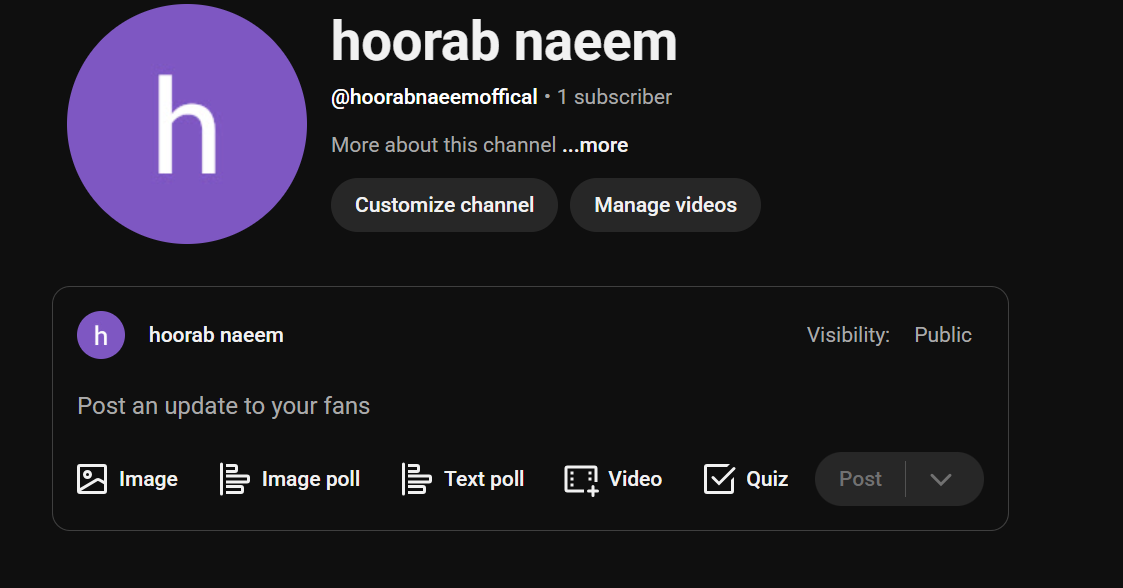
    How to Create a YouTube Account | Step-by-Step Guide

    Want to start your YouTube journey? In this easy tutorial, you'll learn how to create a YouTube account in just a few minutes! Whether you're using a smartphone or computer, this beginner-friendly guide will help you sign up, create your Google account, and get ready to watch, upload, and share amazing videos.

    Create a YouTube account
    Sign in with a Google account
    Set up your profile
    Start watching & uploading videos
    Perfect for beginners!

    If this video helps you, don't forget to Like , Comment , Share , and Subscribe for more helpful tutorials!

    #YouTube #CreateYouTubeAccount #YouTubeTutorial #GoogleAccount #YouTubeForBeginners #TechTutorial #HowTo #YouTubeTips #DigitalSkills #ContentCreator #OnlineLearning #Tutorial #StepByStep #TechGuide #Subscribe
    #rsisb Roll No.211 Task No.4 Foundation Level 🎥 How to Create a YouTube Account | Step-by-Step Guide 🚀 Want to start your YouTube journey? 🌟 In this easy tutorial, you'll learn how to create a YouTube account in just a few minutes! Whether you're using a 📱 smartphone or 💻 computer, this beginner-friendly guide will help you sign up, create your Google account, and get ready to watch, upload, and share amazing videos. 🎬 ✅ Create a YouTube account ✅ Sign in with a Google account ✅ Set up your profile ✅ Start watching & uploading videos ✅ Perfect for beginners! 🌍 👍 If this video helps you, don't forget to Like ❤️, Comment 💬, Share 📤, and Subscribe 🔔 for more helpful tutorials! #YouTube #CreateYouTubeAccount #YouTubeTutorial #GoogleAccount #YouTubeForBeginners #TechTutorial #HowTo #YouTubeTips #DigitalSkills #ContentCreator #OnlineLearning #Tutorial #StepByStep #TechGuide #Subscribe 🚀
    0 Comentários 0 Compartilhamentos 1782 Visualizações
  • rsisb
    Roll no 212
    Foundation level
    Task no creat a facae book account
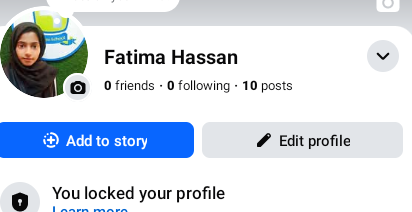
    Creating a Facebook account is quick and easy! Start by signing up with your name, email address or phone number, and a secure password. Verify your account, add a profile picture , write a short bio , and complete your profile. Connect with friends , join groups , follow your favorite pages , and adjust your privacy settings to stay safe online. Facebook helps you share memories, stay connected, and discover communities that match your interests.
    #Facebook #CreateFacebookAccount #FacebookSetup #SocialMedia #TechTips #DigitalSkills #OnlineLearning #StayConnected #FacebookGuide #PrivacySettings #ProfileSetup
    rsisb Roll no 212 Foundation level Task no creat a facae book account Creating a Facebook account is quick and easy! 🌍 Start by signing up with your name, email address or phone number, and a secure password. 🔐 Verify your account, add a profile picture 📸, write a short bio ✍️, and complete your profile. Connect with friends 👨‍👩‍👧‍👦, join groups 🤝, follow your favorite pages ❤️, and adjust your privacy settings 🛡️ to stay safe online. Facebook helps you share memories, stay connected, and discover communities that match your interests. 🚀🌟 #Facebook #CreateFacebookAccount #FacebookSetup #SocialMedia #TechTips #DigitalSkills #OnlineLearning #StayConnected #FacebookGuide #PrivacySettings #ProfileSetup 📱💻🌐✨😊
    0 Comentários 0 Compartilhamentos 2493 Visualizações
  • hoorab naeem
    1 minute ago
    #rsisb
    roll no 211
    How to use streamyard for interviews?
    foundation level
    task no 9
    If you want to conduct smooth and professional interviews online, StreamYard is a great tool to use
    Here’s a simple description you can use:

    How to Use StreamYard for Interviews
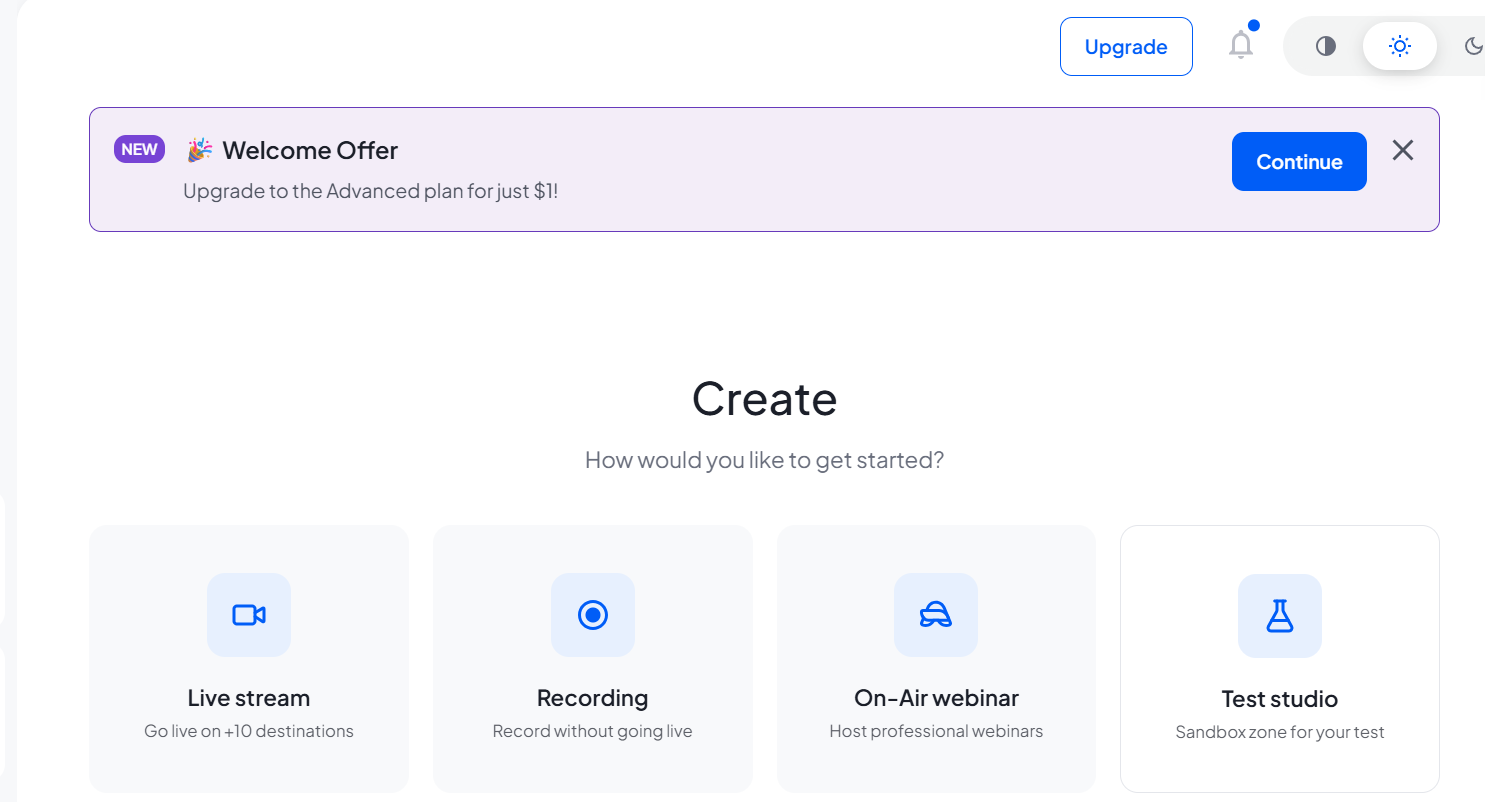
    StreamYard is an easy-to-use live streaming platform that allows you to host interviews, podcasts, and discussions directly from your browser—no downloads needed!
    First, sign up on StreamYard and connect your social media accounts like YouTube or Facebook. Then, create a broadcast and share the invite link with your guest.
    Once your guest joins, you can add them to the screen, customize layouts, and even display their names and comments on the live stream. You can also record the interview, add logos, banners, and backgrounds to make it look professional.
    Make sure you have a good internet connection, clear audio, and proper lighting for the best results.
    StreamYard is perfect for beginners and professionals who want to create engaging interviews without technical hassle!

    #StreamYard #OnlineInterviews #LiveStreaming #PodcastSetup #ContentCreation #YouTubeLive #FacebookLive #DigitalSkills
    hoorab naeem 1 minute ago #rsisb roll no 211 How to use streamyard for interviews? foundation level task no 9 If you want to conduct smooth and professional interviews online, StreamYard is a great tool to use 🎙️💻 Here’s a simple description you can use: 🎤 How to Use StreamYard for Interviews 🎥 StreamYard is an easy-to-use live streaming platform that allows you to host interviews, podcasts, and discussions directly from your browser—no downloads needed! 🌐 First, sign up on StreamYard and connect your social media accounts like YouTube or Facebook. Then, create a broadcast and share the invite link with your guest. 🤝 Once your guest joins, you can add them to the screen, customize layouts, and even display their names and comments on the live stream. 🎬✨ You can also record the interview, add logos, banners, and backgrounds to make it look professional. Make sure you have a good internet connection, clear audio, and proper lighting for the best results. 💡🎧 StreamYard is perfect for beginners and professionals who want to create engaging interviews without technical hassle! 🚀 #StreamYard #OnlineInterviews #LiveStreaming #PodcastSetup #ContentCreation #YouTubeLive #FacebookLive #DigitalSkills
    0 Comentários 0 Compartilhamentos 8667 Visualizações

  • #rsisb
    roll no 211
    Foundation level
    Task no 7
    How to Download and Use Canva
    Downloading and using Canva is super easy and perfect for creating amazing designs!

    Start by downloading the Canva app from the Play Store or App Store, or visit the Canva website on your browser. Click on Sign Up and create your account using email, Google, or Facebook.

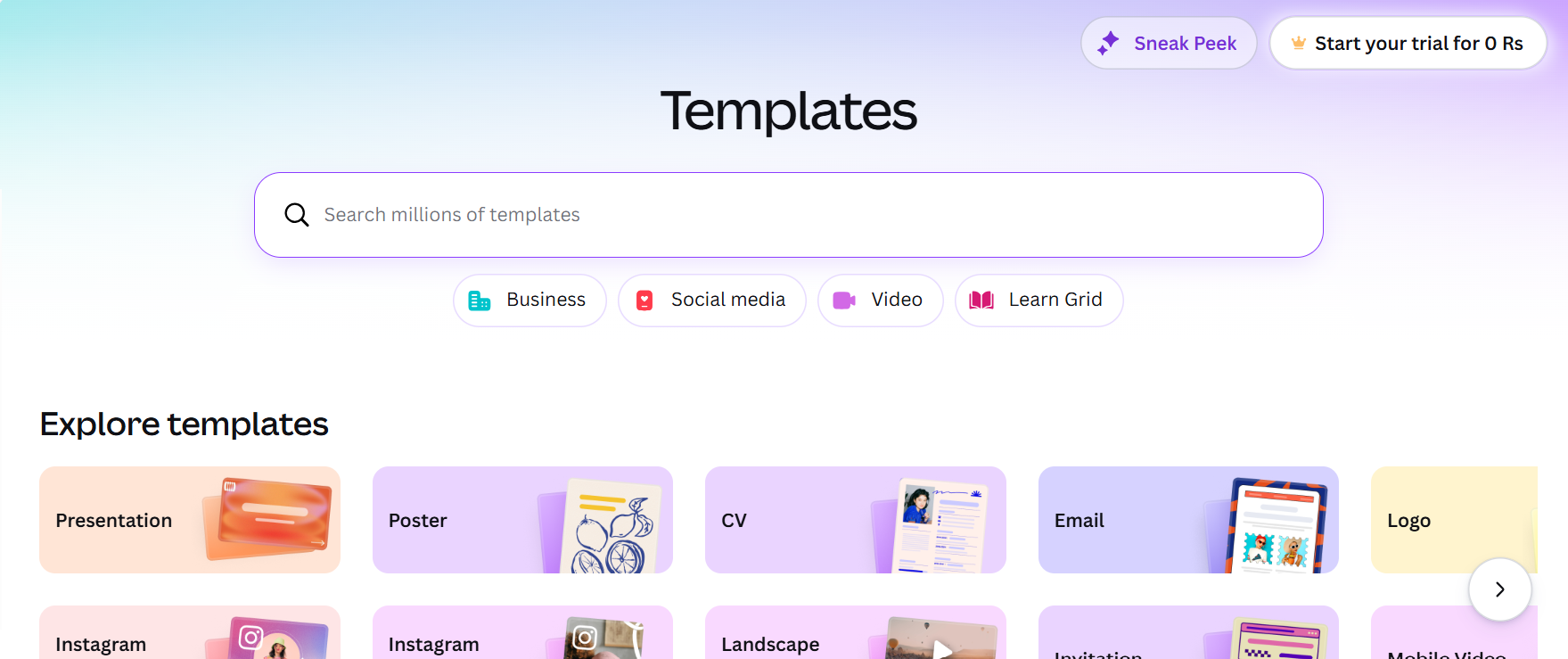
    Once you’re logged in, you’ll see tons of ready-made templates for posts, presentations, logos, posters, and more. Choose any template you like or start from scratch. Then customize it by adding text, images, colors, and elements using simple drag-and-drop tools.

    After finishing your design, click on Download to save it to your device, or share it directly on social media. Canva makes designing easy—even for beginners!

    Start creating beautiful designs and unleash your creativity today!

    #Canva #GraphicDesign #CreateDesigns #DigitalSkills #DesignMadeEasy #SocialMediaDesign #Creativity #OnlineTools
    #rsisb roll no 211 Foundation level Task no 7 How to Download and Use Canva Downloading and using Canva is super easy and perfect for creating amazing designs! 🎨✨ Start by downloading the Canva app from the Play Store or App Store, or visit the Canva website on your browser. 📲💻 Click on Sign Up and create your account using email, Google, or Facebook. 🔐 Once you’re logged in, you’ll see tons of ready-made templates for posts, presentations, logos, posters, and more. 🖼️📄 Choose any template you like or start from scratch. Then customize it by adding text, images, colors, and elements using simple drag-and-drop tools. ✏️🎯 After finishing your design, click on Download to save it to your device, or share it directly on social media. 📥🚀 Canva makes designing easy—even for beginners! 😎 Start creating beautiful designs and unleash your creativity today! 🌟💡 #Canva #GraphicDesign #CreateDesigns #DigitalSkills #DesignMadeEasy #SocialMediaDesign #Creativity #OnlineTools
    0 Comentários 0 Compartilhamentos 8500 Visualizações
  • #rsisb

    roll no 211

    How to Create a LinkedIn Account

    Creating a LinkedIn account is a smart step toward building your professional identity and connecting with opportunities!

    Start by visiting LinkedIn or downloading the app. Click on Join Now and enter your email address and create a strong password.

    Next, add your name, location, and basic details, then build your profile by including your education, skills, and any work experience you have. Even if you’re a student, you can still create a great profile!

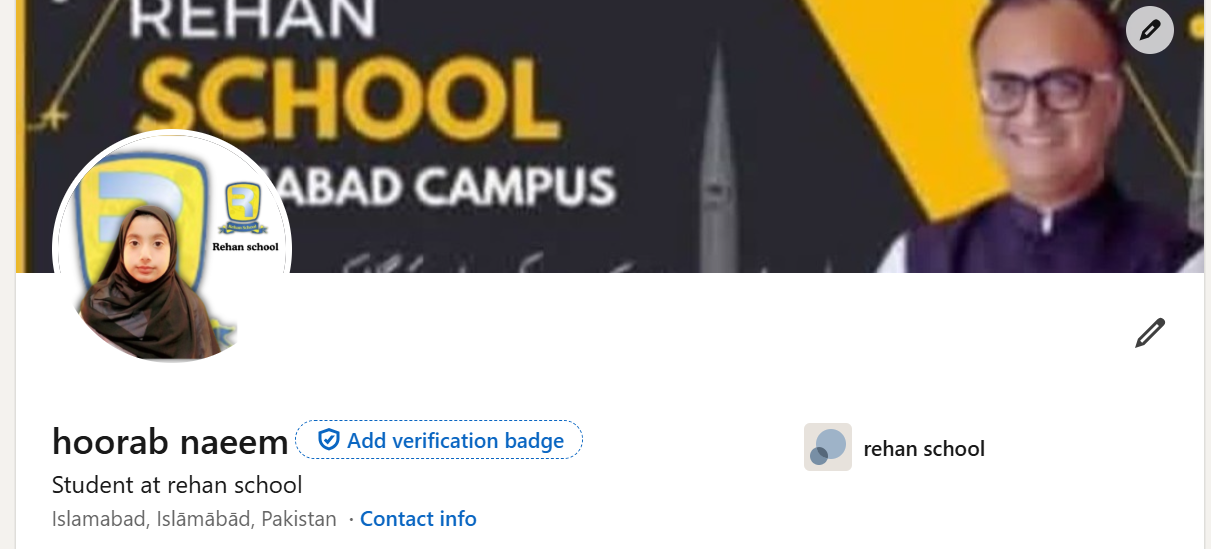
    Upload a professional profile photo and write a short headline that describes you (like “Student | Learning Digital Skills”). This helps others understand who you are.

    After setting up your profile, start connecting with friends, teachers, and professionals, and explore job opportunities or learning content.

    Build your network, learn new skills, and grow your future with LinkedIn!

    #LinkedIn #CreateAccount #ProfessionalLife #CareerGrowth #Networking #DigitalSkills #JobSearch #Students #FutureReady #TechTips
    #rsisb roll no 211 How to Create a LinkedIn Account Creating a LinkedIn account is a smart step toward building your professional identity and connecting with opportunities! 💼✨ Start by visiting LinkedIn or downloading the app. 📲 Click on Join Now and enter your email address and create a strong password. 🔐 Next, add your name, location, and basic details, then build your profile by including your education, skills, and any work experience you have. 📝🎓 Even if you’re a student, you can still create a great profile! 🌟 Upload a professional profile photo and write a short headline that describes you (like “Student | Learning Digital Skills”). 😎📷 This helps others understand who you are. After setting up your profile, start connecting with friends, teachers, and professionals, and explore job opportunities or learning content. 🌍🚀 Build your network, learn new skills, and grow your future with LinkedIn! 💙 #LinkedIn #CreateAccount #ProfessionalLife #CareerGrowth #Networking #DigitalSkills #JobSearch #Students #FutureReady #TechTips 💼📱
    0 Comentários 0 Compartilhamentos 8617 Visualizações

  • #rsisb
    roll no 211
    How to Create a YouTube Account
    Creating a YouTube account is super easy and only takes a few minutes! All you need is a Google account, and you’re ready to explore, watch, and even upload your own videos.
    First, go to YouTube and click on the Sign In button at the top right. If you already have a Google account, just log in. If not, click on Create Account and follow the steps to set up your Gmail.
    Once you’re signed in, your YouTube account is automatically created! Now you can customize your profile, subscribe to your favorite channels, like videos, and even start your own YouTube channel. Don’t forget to add a profile picture and channel name to make it unique!
    Start your journey today and share your creativity with the world!
    #YouTube #CreateAccount #YouTubeTips #DigitalSkills #ContentCreator #StartToday #LearnOnline #TechGuide #SocialMedia #YouTubeChannel

    #rsisb roll no 211 How to Create a YouTube Account Creating a YouTube account is super easy and only takes a few minutes! 🎥✨ All you need is a Google account, and you’re ready to explore, watch, and even upload your own videos. 🚀 First, go to YouTube and click on the Sign In button at the top right. 🔐 If you already have a Google account, just log in. If not, click on Create Account and follow the steps to set up your Gmail. 📧 Once you’re signed in, your YouTube account is automatically created! 🎉 Now you can customize your profile, subscribe to your favorite channels, like videos, and even start your own YouTube channel. 🌟 Don’t forget to add a profile picture and channel name to make it unique! 😎 Start your journey today and share your creativity with the world! 🌍🎬 #YouTube #CreateAccount #YouTubeTips #DigitalSkills #ContentCreator #StartToday #LearnOnline #TechGuide #SocialMedia #YouTubeChannel 🚀📱
    0 Comentários 0 Compartilhamentos 9980 Visualizações
  • #rsisb
    roll no 211
    How to Create a Gmail Account
    **How to Create a Gmail Account – Step-by-Step Guide**

    Creating a Gmail account is one of the first steps to entering the digital world . With a Gmail account, you can send emails, use Google Drive, watch YouTube, and access many more services easily. Here’s a simple and complete guide to help you get started

    **Step 1: Visit the Gmail Website**
    Open your browser and go to the Gmail sign-up page. Click on **“Create Account”** to begin.

    **Step 2: Choose Account Type**
    Select **“For myself”** if you are creating a personal account. You can also choose options for business if needed.

    **Step 3: Enter Your Personal Details**
    Fill in your **first name, last name**, and choose a unique **username** (this will be your email address). Create a **strong password** to keep your account secure

    **Step 4: Add Phone Number & Recovery Info**
    Enter your phone number for verification. You can also add a recovery email to help recover your account if you forget your password.

    **Step 5: Verify Your Account**
    You will receive a code on your phone. Enter the code to confirm your identity and activate your account.

    **Step 6: Complete Your Profile**
    Add your **date of birth** and **gender**. This helps personalize your experience.

    **Step 7: Agree to Terms & Conditions**
    Read Google’s privacy policy and terms, then click **“I Agree”** to continue.

    **Congratulations! Your Gmail account is ready to use!**
    Now you can send emails , connect with people , store files , and explore all Google services easily.

    **Tip:** Always keep your password safe and don’t share it with anyone for better security

    #Gmail #CreateGmail #GoogleAccount #EmailSetup #TechGuide #StepByStep #DigitalSkills #LearnTech
    #rsisb roll no 211 How to Create a Gmail Account 📧✨ **How to Create a Gmail Account – Step-by-Step Guide** ✨📧 Creating a Gmail account is one of the first steps to entering the digital world 🌍💻. With a Gmail account, you can send emails, use Google Drive, watch YouTube, and access many more services easily. Here’s a simple and complete guide to help you get started 🚀 🔹 **Step 1: Visit the Gmail Website** 🌐 Open your browser and go to the Gmail sign-up page. Click on **“Create Account”** to begin. 🔹 **Step 2: Choose Account Type** 👤 Select **“For myself”** if you are creating a personal account. You can also choose options for business if needed. 🔹 **Step 3: Enter Your Personal Details** 📝 Fill in your **first name, last name**, and choose a unique **username** (this will be your email address). Create a **strong password** to keep your account secure 🔐 🔹 **Step 4: Add Phone Number & Recovery Info** 📱 Enter your phone number for verification. You can also add a recovery email to help recover your account if you forget your password. 🔹 **Step 5: Verify Your Account** ✔️ You will receive a code on your phone. Enter the code to confirm your identity and activate your account. 🔹 **Step 6: Complete Your Profile** 🎂 Add your **date of birth** and **gender**. This helps personalize your experience. 🔹 **Step 7: Agree to Terms & Conditions** 📜 Read Google’s privacy policy and terms, then click **“I Agree”** to continue. 🎉 **Congratulations! Your Gmail account is ready to use!** Now you can send emails 📩, connect with people 🤝, store files ☁️, and explore all Google services easily. 💡 **Tip:** Always keep your password safe and don’t share it with anyone for better security 🔒 #Gmail #CreateGmail #GoogleAccount #EmailSetup #TechGuide #StepByStep #DigitalSkills #LearnTech 🚀📧✨
    0 Comentários 0 Compartilhamentos 7733 Visualizações